
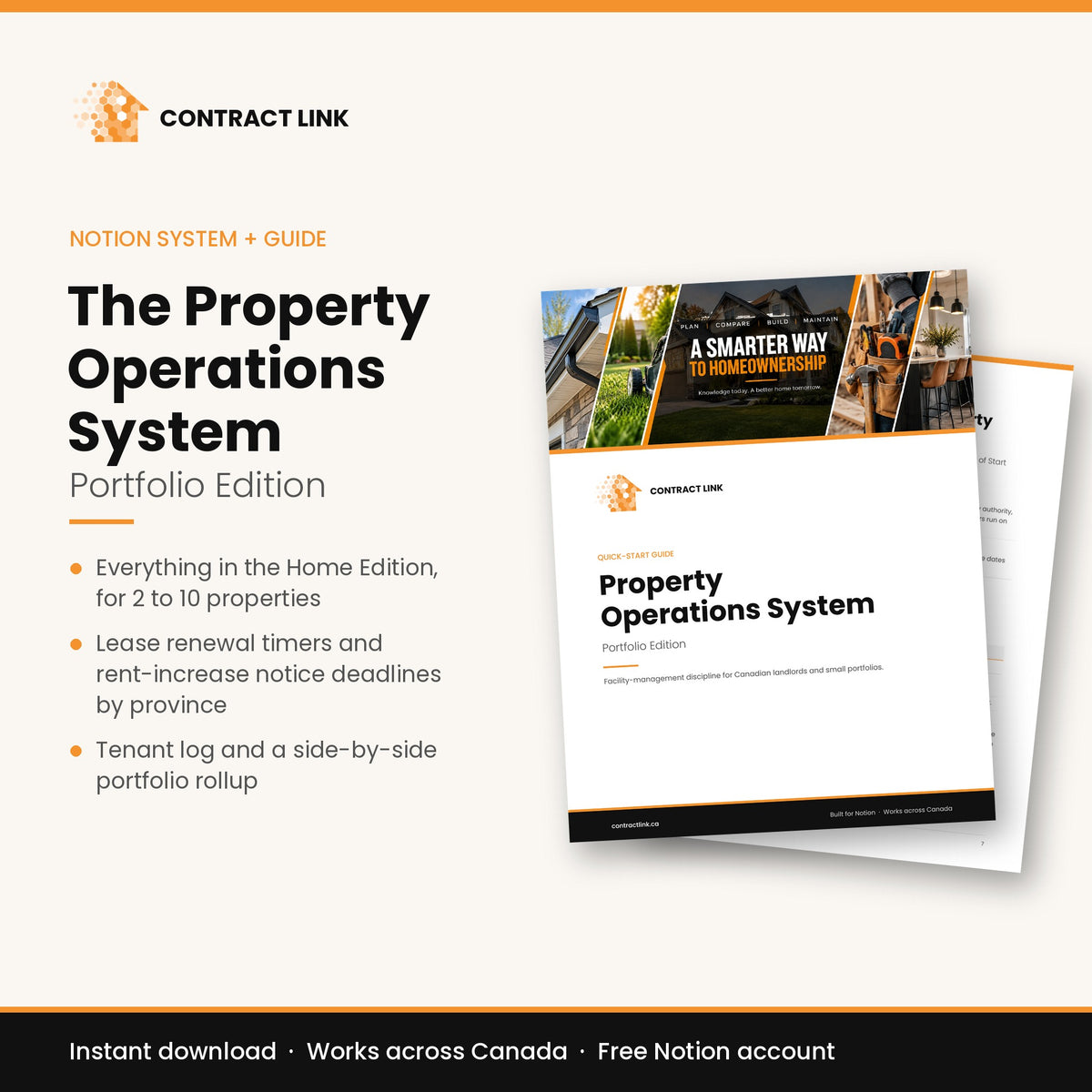
The Property Operations System
Portfolio Edition
Everything in the Home Edition, plus the tools a small landlord needs: lease deadlines, provincial rent rules, tenant records and every property side by side.
- Download link emailed the moment you check out
- Works on the free Notion plan, desktop and phone
- Seasonal timing for Canadian four-season homes
- 30-day money-back guarantee, no conditions
Already own the Home Edition? Your quick-start guide includes a code that takes $50 off the Portfolio Edition.
What's included
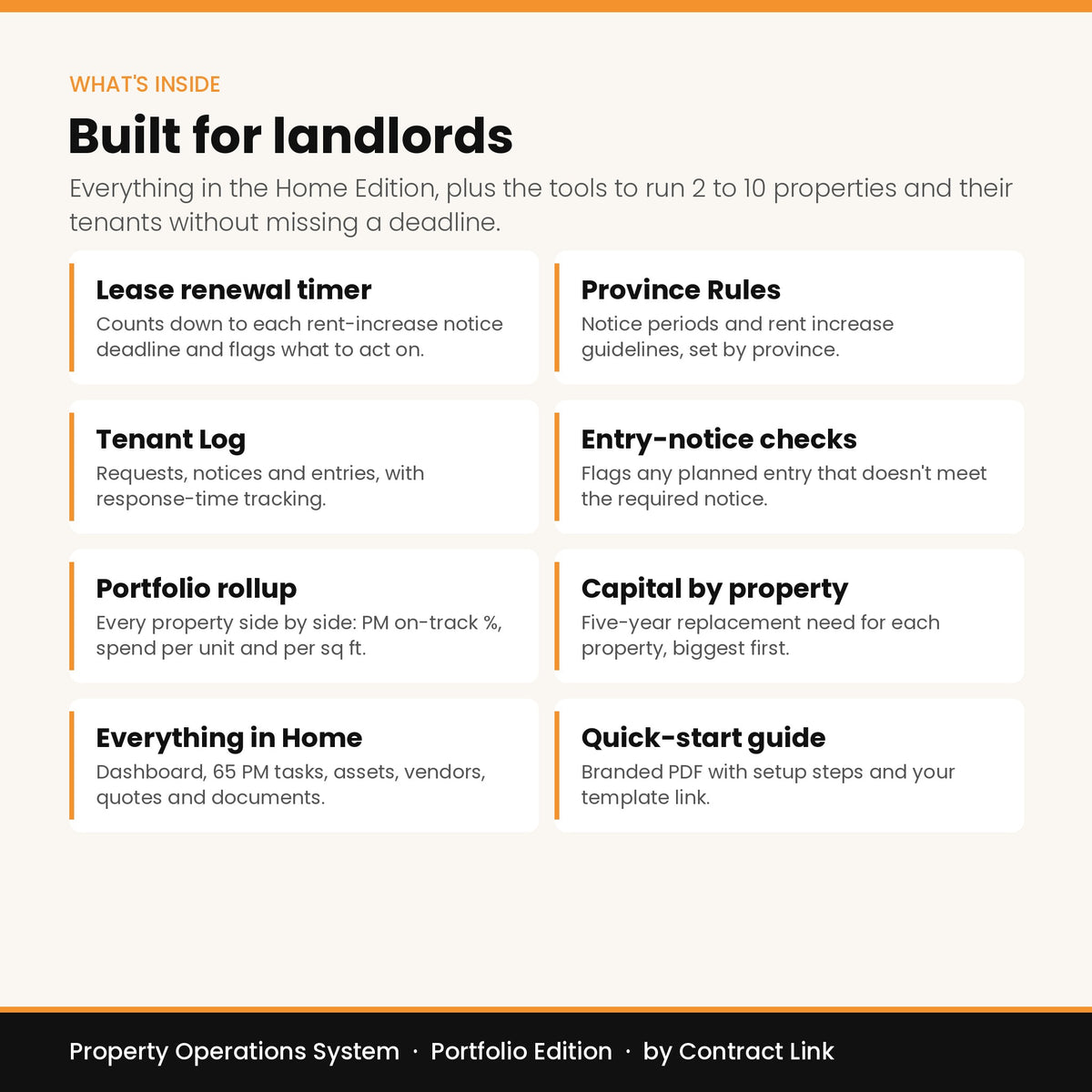
The full system, plus four landlord tools.
Log a repair once and it updates the asset's history, the vendor's record, your budget and your property's health score.
Dashboard
What's due, what's overdue and a 10-year capital forecast on one screen.
Properties
Each property's details, health score and running costs.
Assets
Every major component with its age, life expectancy and inflation-adjusted replacement cost.
PM Tasks
65 preventive tasks timed to your climate zone. Complete one and the next date schedules itself.
Work Orders
Every repair and project, linked to the asset, vendor and cost.
Vendors
Contractor records with insurance and WSIB/WCB expiry tracking.
Quotes
Compare quotes side by side before you hire.
Documents
Warranties, receipts and manuals kept with the job they belong to.
Leases
Renewal timer that flags rent-increase notice deadlines before they pass.
Province Rules
Notice periods and rent guidelines for all 13 provinces and territories.
Tenant Log
Every tenant request and message, with response tracking.
Portfolio Rollup
Costs, open work and health scores for every property side by side.
How it works
Set up in about 45 minutes.
Check out
Your download email arrives right away with the quick-start guide.
Add it to Notion
One click from the guide copies the full system into your free Notion account.
Fifteen minutes a month
Follow the guide to enter your home, then check the dashboard once a month.
Start with the Home Edition.
The full system for your own house. Upgrade to Portfolio later for $50 off.
Questions
Before you buy.
Do I need a paid Notion plan?
No. The system is built to work on Notion's free plan. If you don't have an account yet, the quick-start guide walks you through creating one.
How do I receive it?
Right after checkout you'll get an email with your quick-start guide (PDF). The guide includes the link that copies the system into your Notion account. Nothing is shipped.
Does it work outside Ontario?
Yes. It's built for homes anywhere in Canada, with maintenance timing for each climate zone. Province Rules covers every province and territory.
Is Province Rules legal advice?
No. It's a reference built from each province's published rules to help you track deadlines. Always confirm with your provincial landlord and tenant board before serving a notice.
Can I use it on my phone?
Yes. It works in the Notion app on iPhone and Android, as well as on desktop and in your browser.
What if it's not right for me?
Email info@contractlink.ca within 30 days and we'll refund you in full. No conditions.
In Southern Ontario? Get a professional on your side.
The system works anywhere in Canada. When a big job comes up in Waterloo Region or Guelph, Contract Link can vet the contractor and review the quote before you sign.